
Astra 3D puts the leading 3D AI models behind one generator.
Turn one image or a few words into a complete 3D model — add a back photo so nothing comes out flat, auto-rig your characters, get a print-ready STL, and switch between every top 3D AI model in one account.
You see the credits before you generate · Credits come back if a model fails or times out
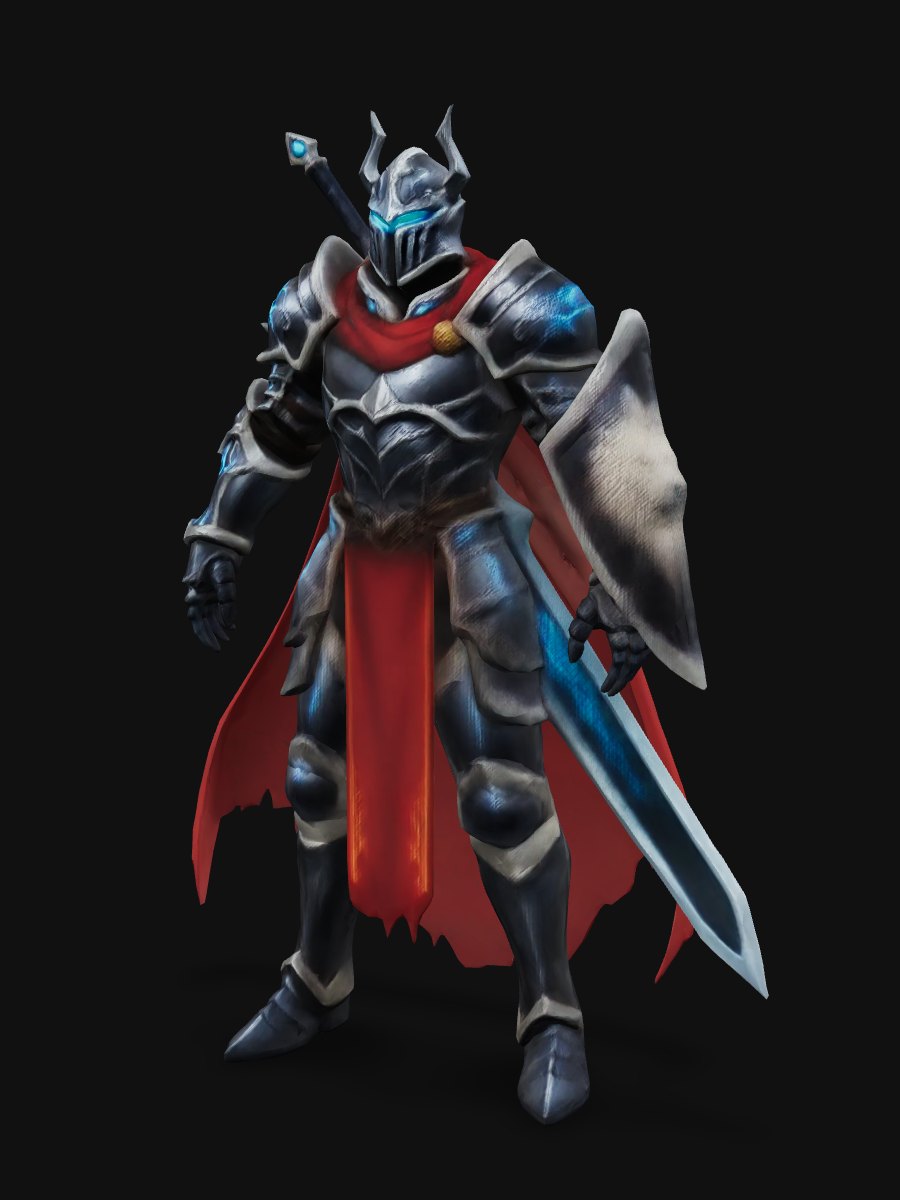
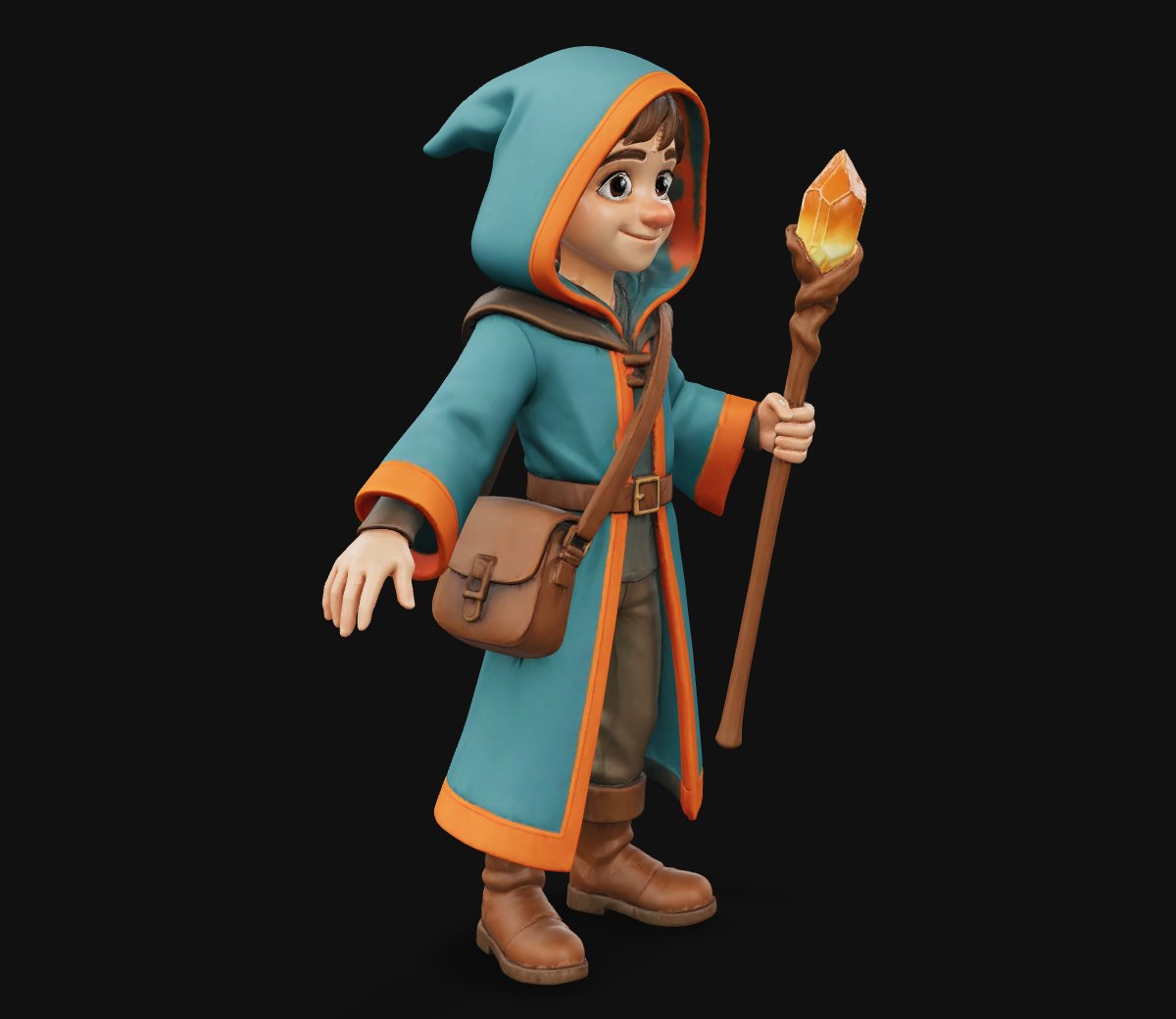
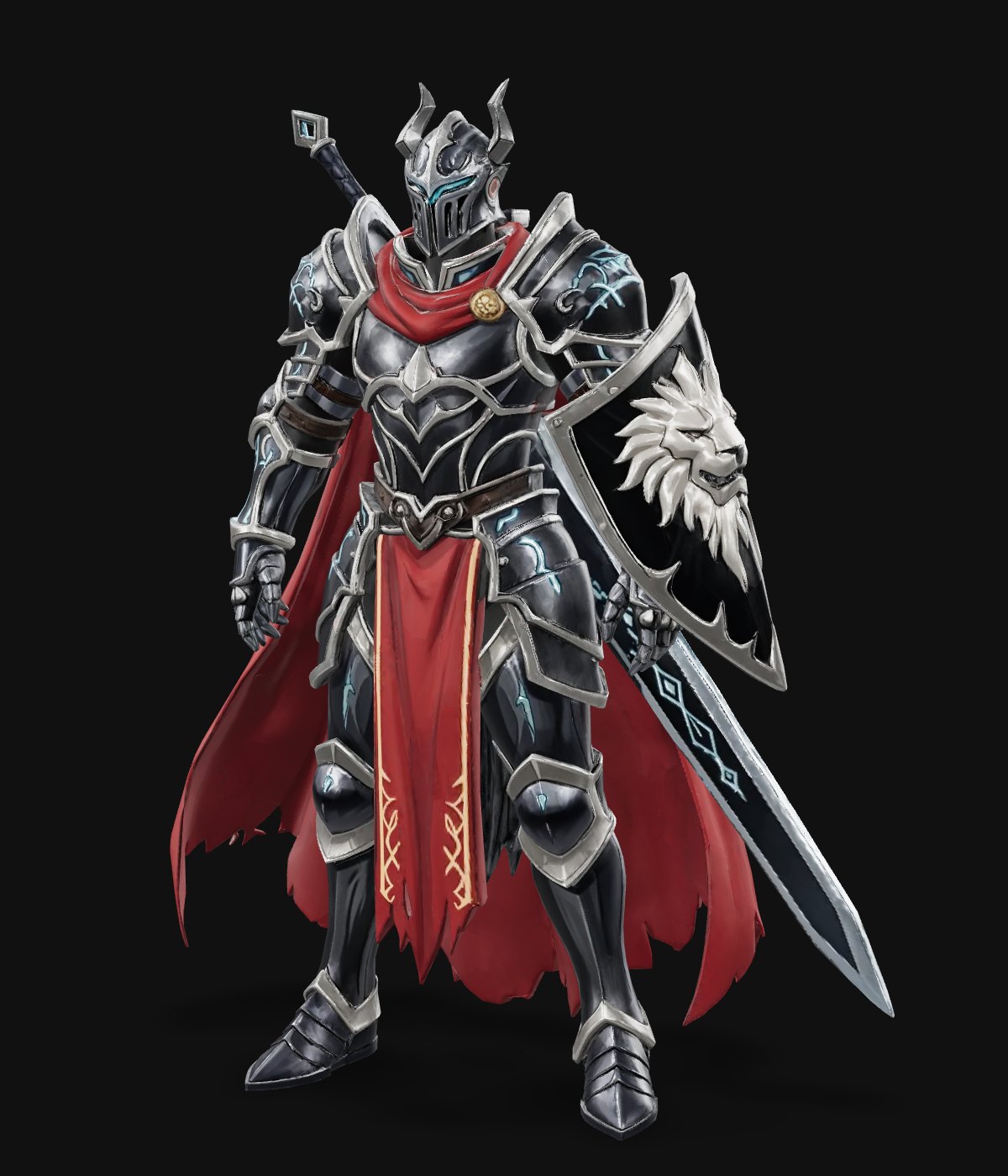
A stylized figure, ready to rig and pose.
Fast draft · 01 / 08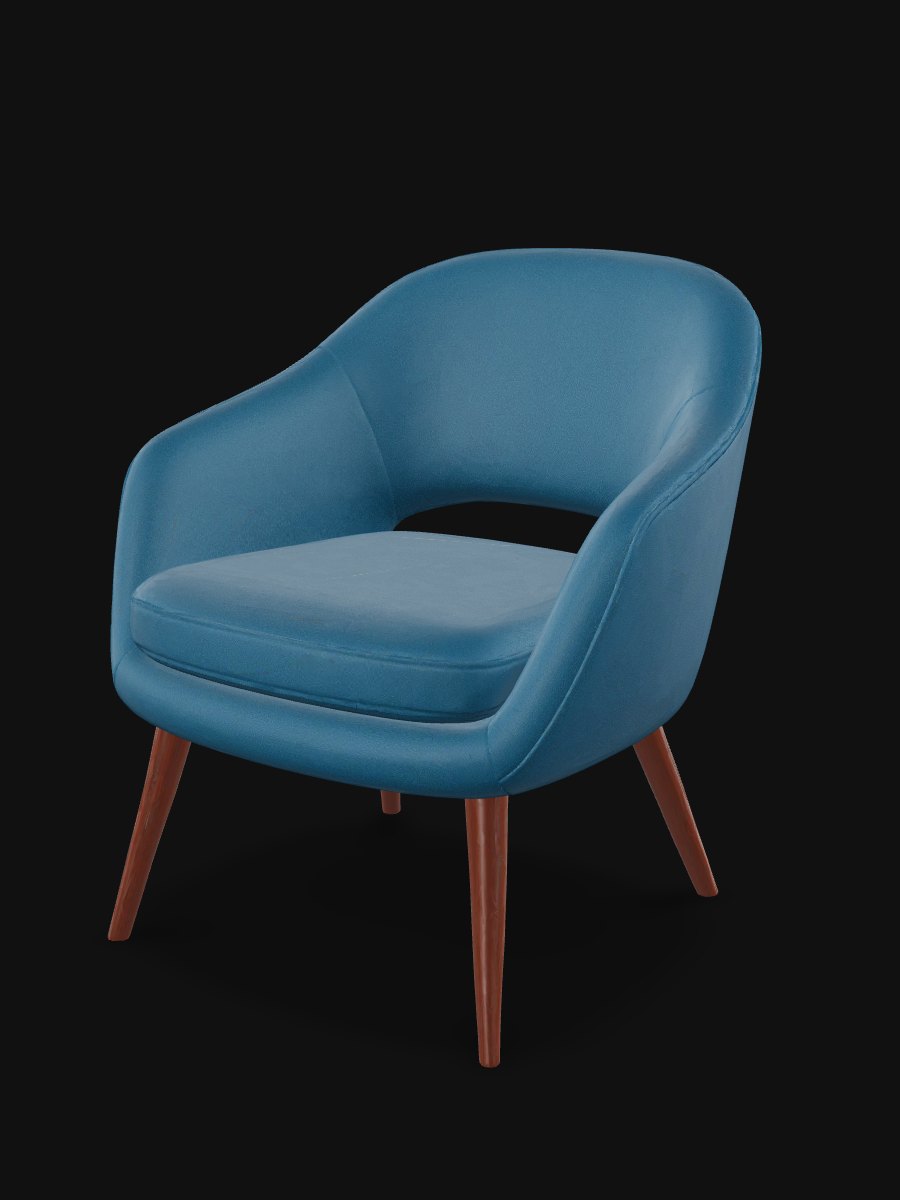
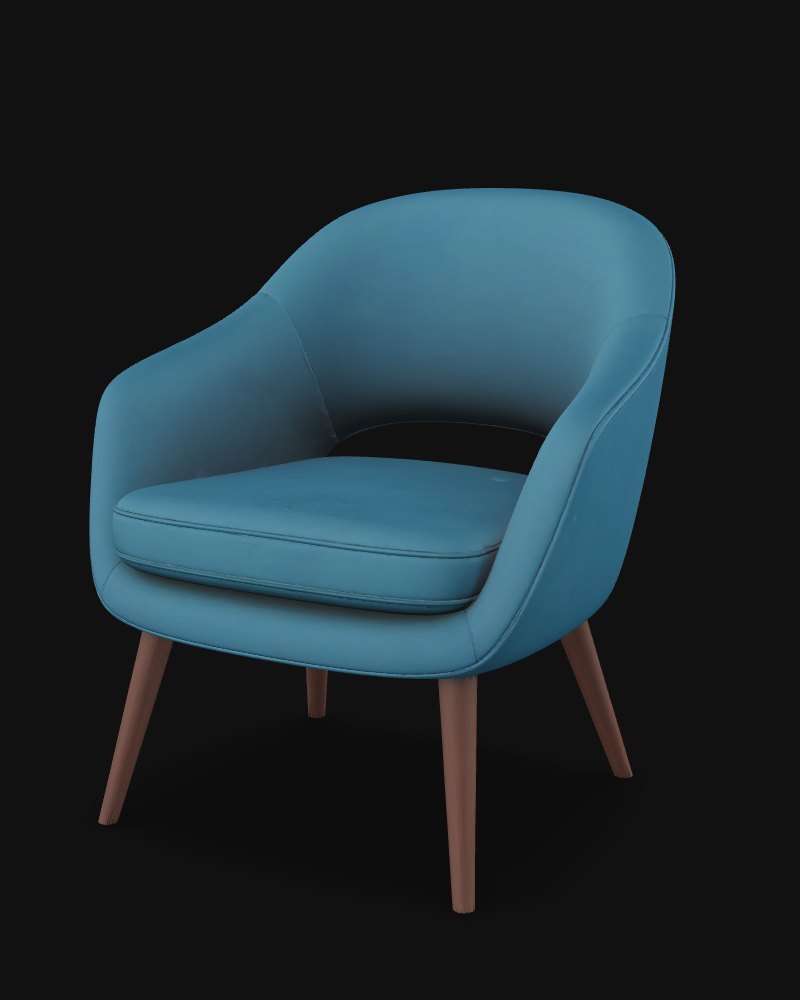
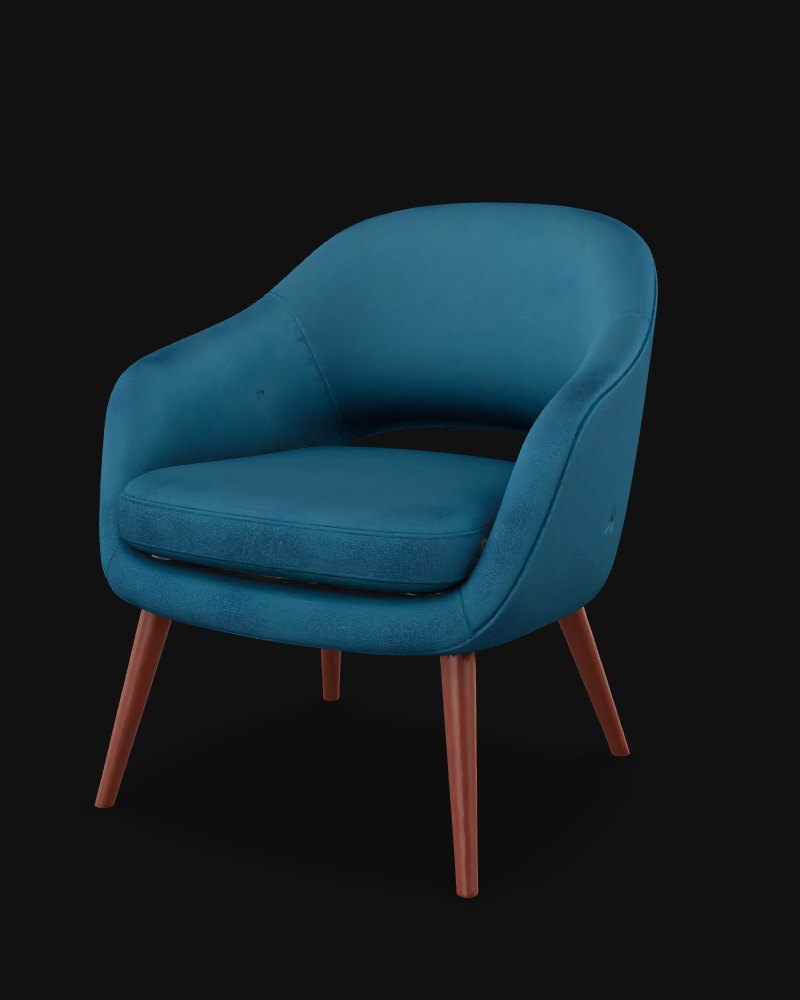
A chair with clean legs and a solid seat, ready for a scene or a print.
Meshy 7.1 · 02 / 08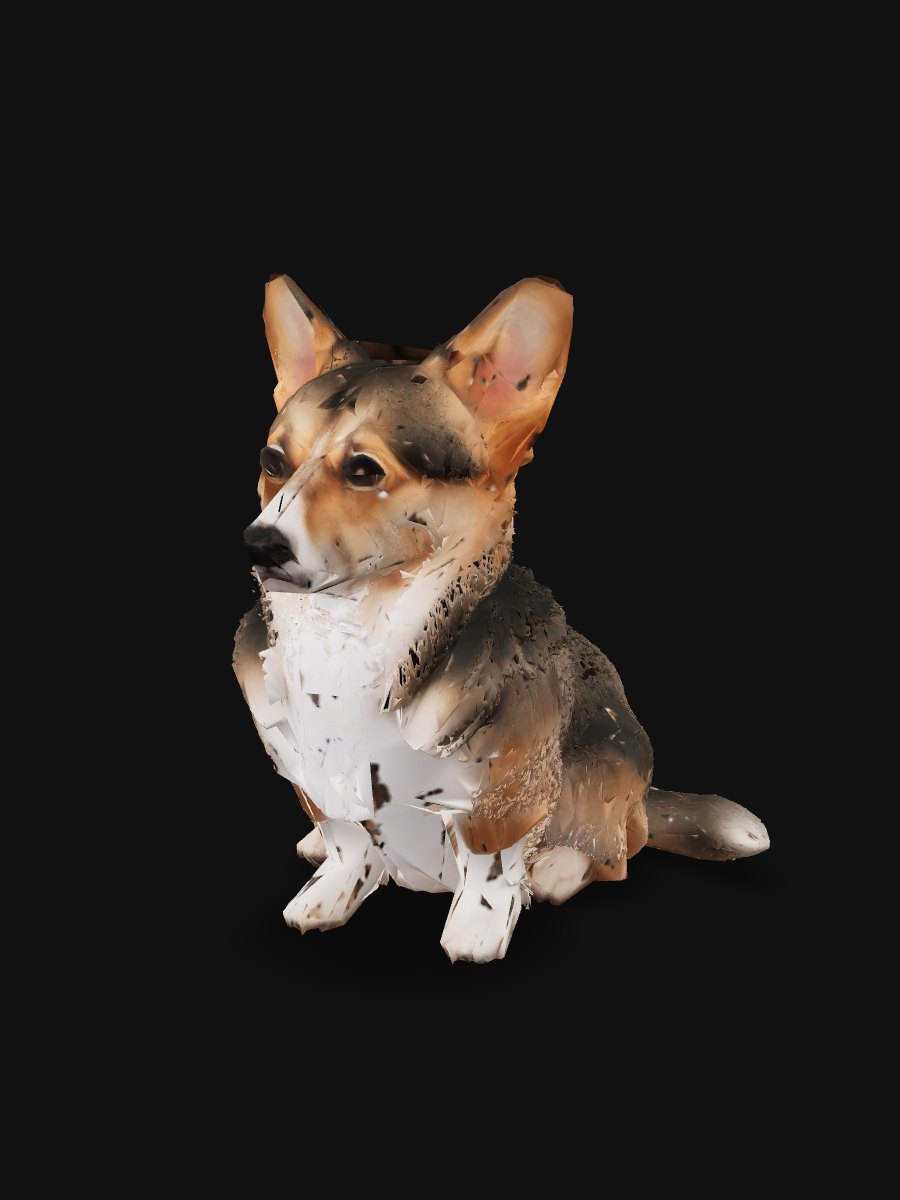
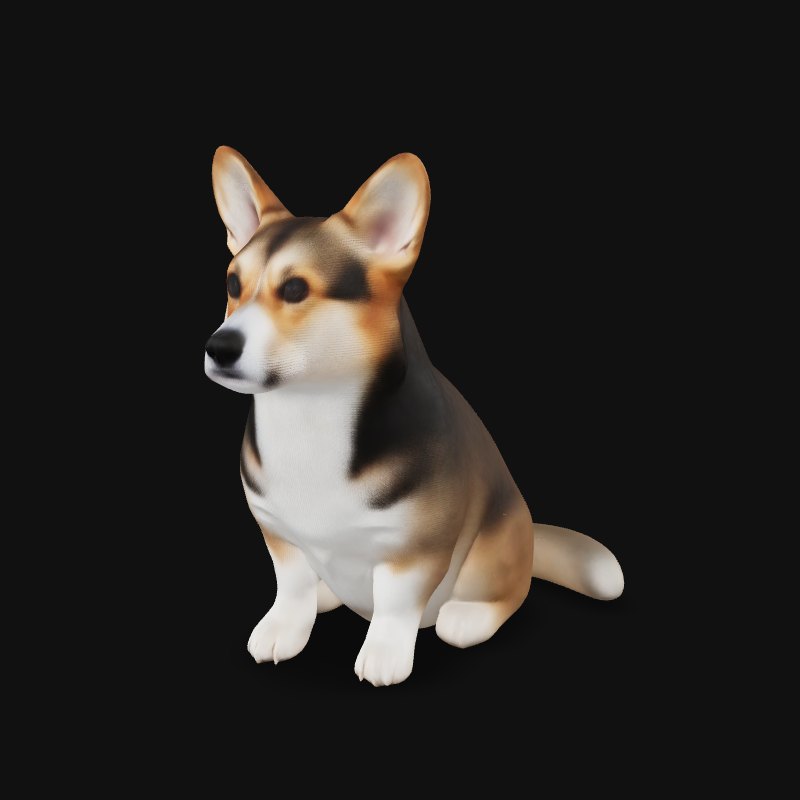
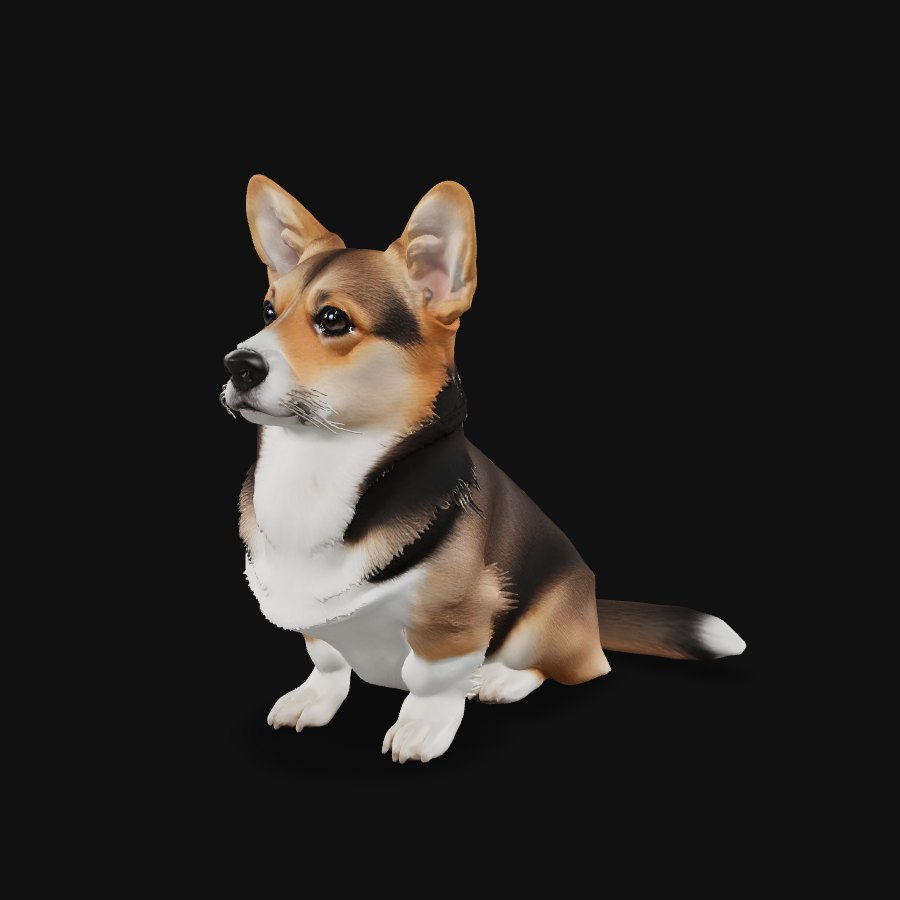
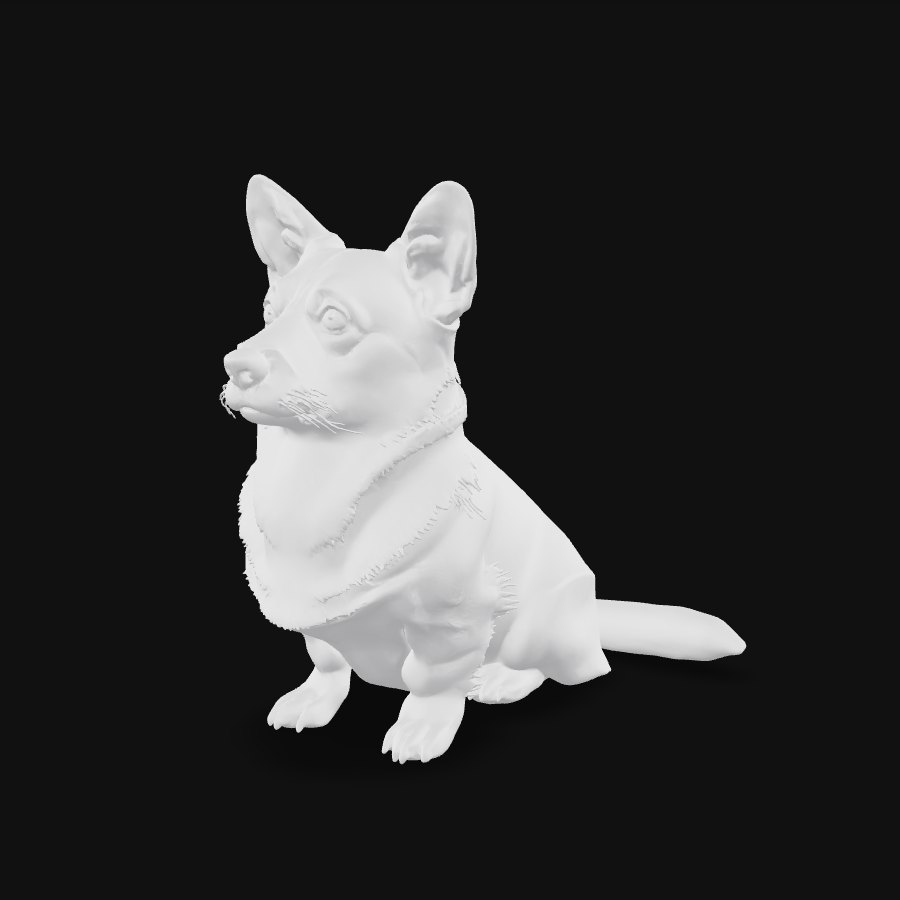
A corgi with fur color and shape from the photo.
TRELLIS.2 · 03 / 08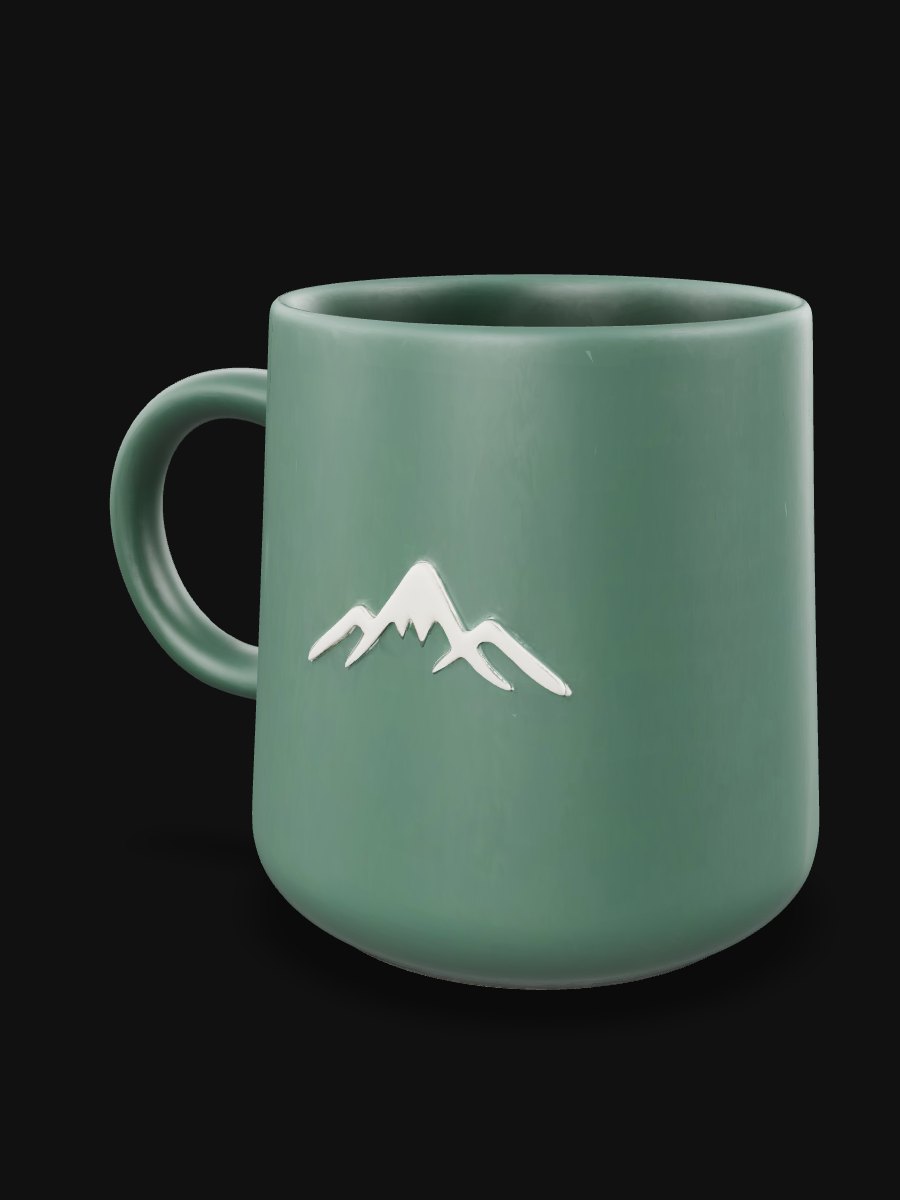
A mug with its logo kept on the surface.
Hunyuan3D Pro · 04 / 08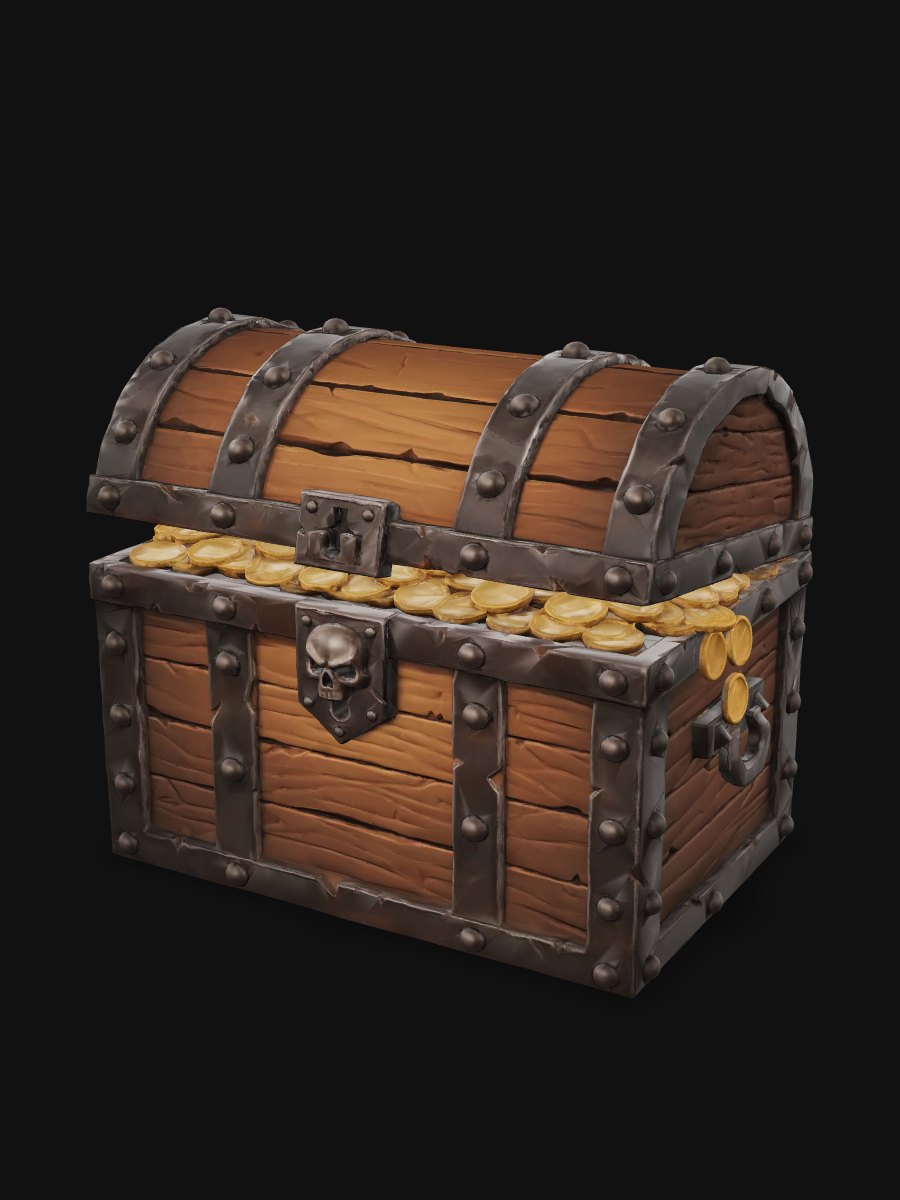
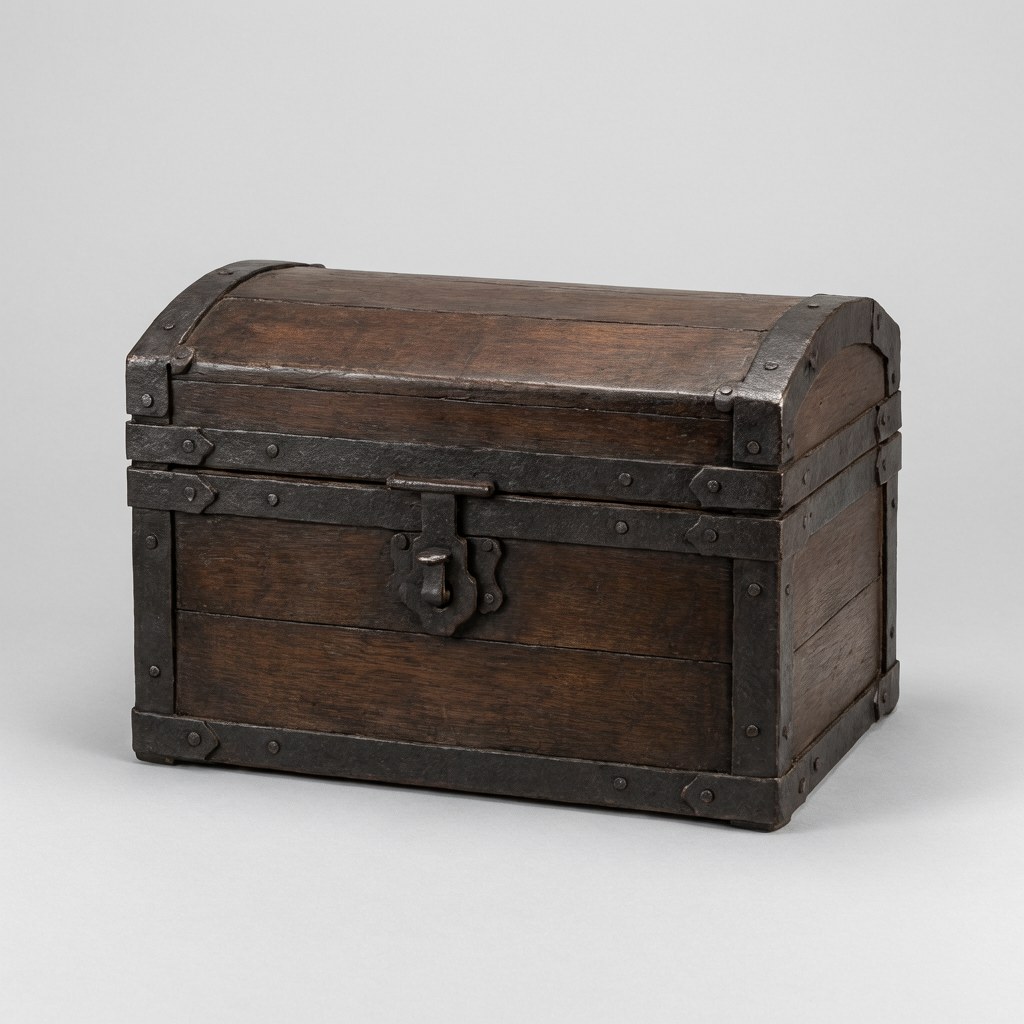
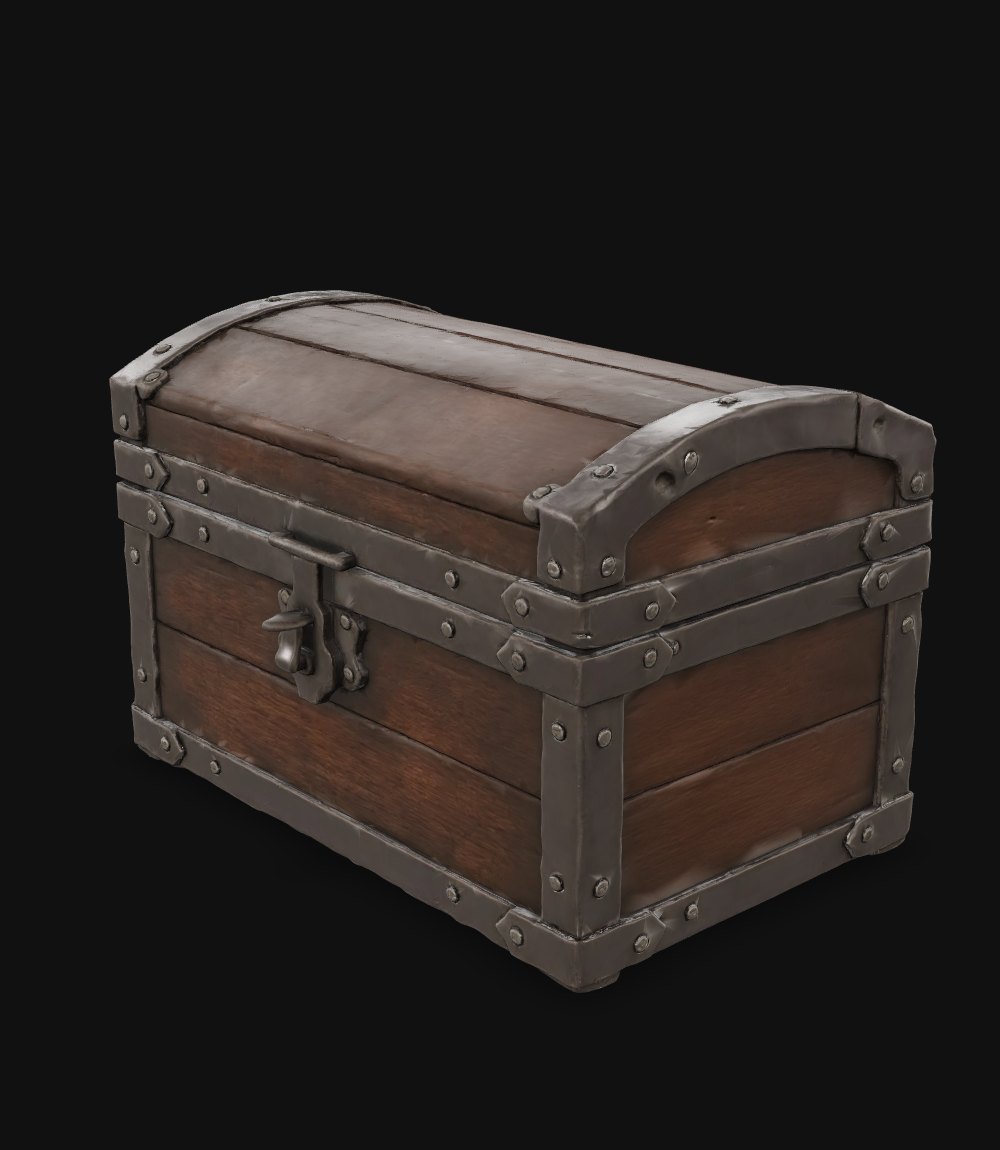
A treasure chest with lock details for a game level.
Tripo H3.1 · 05 / 08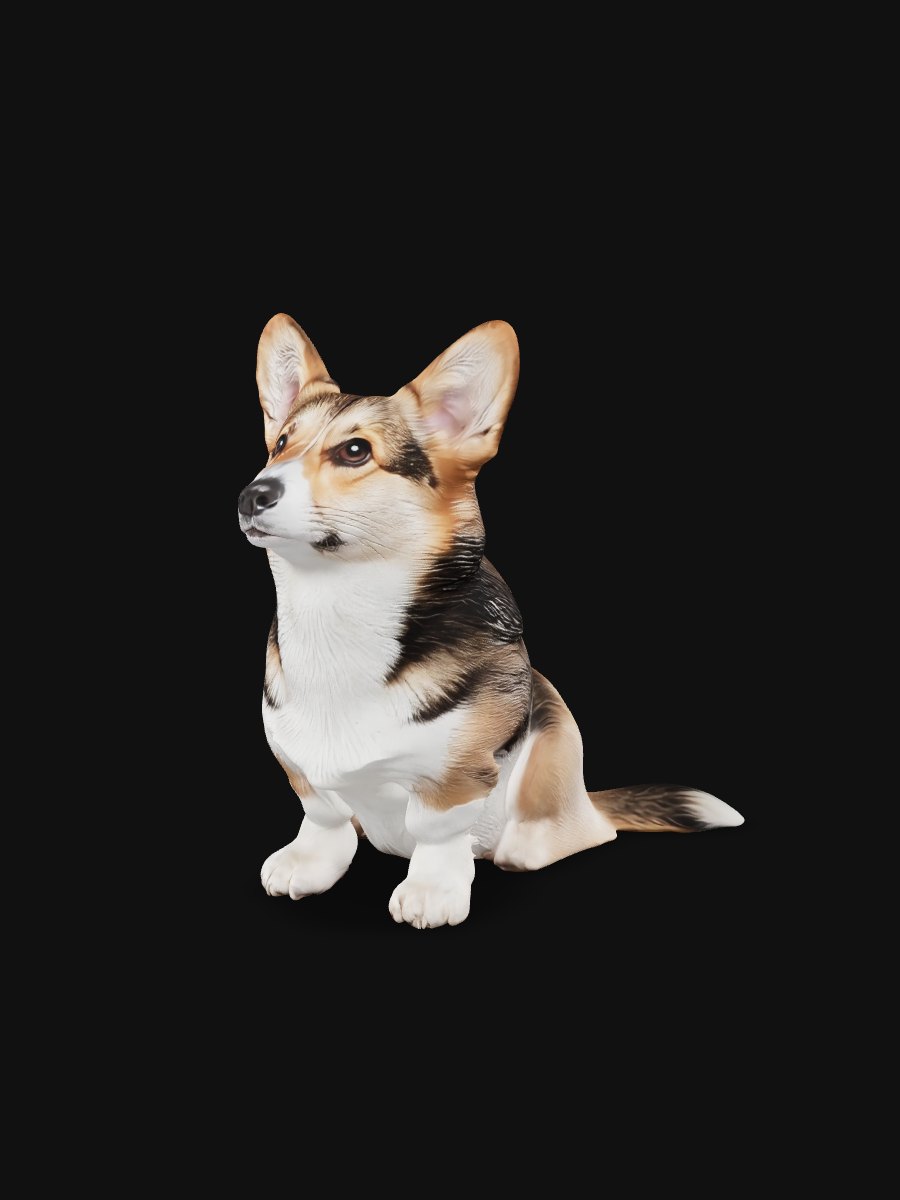
The same corgi photo, with realistic fur and light.
Rodin 2.5 · 06 / 08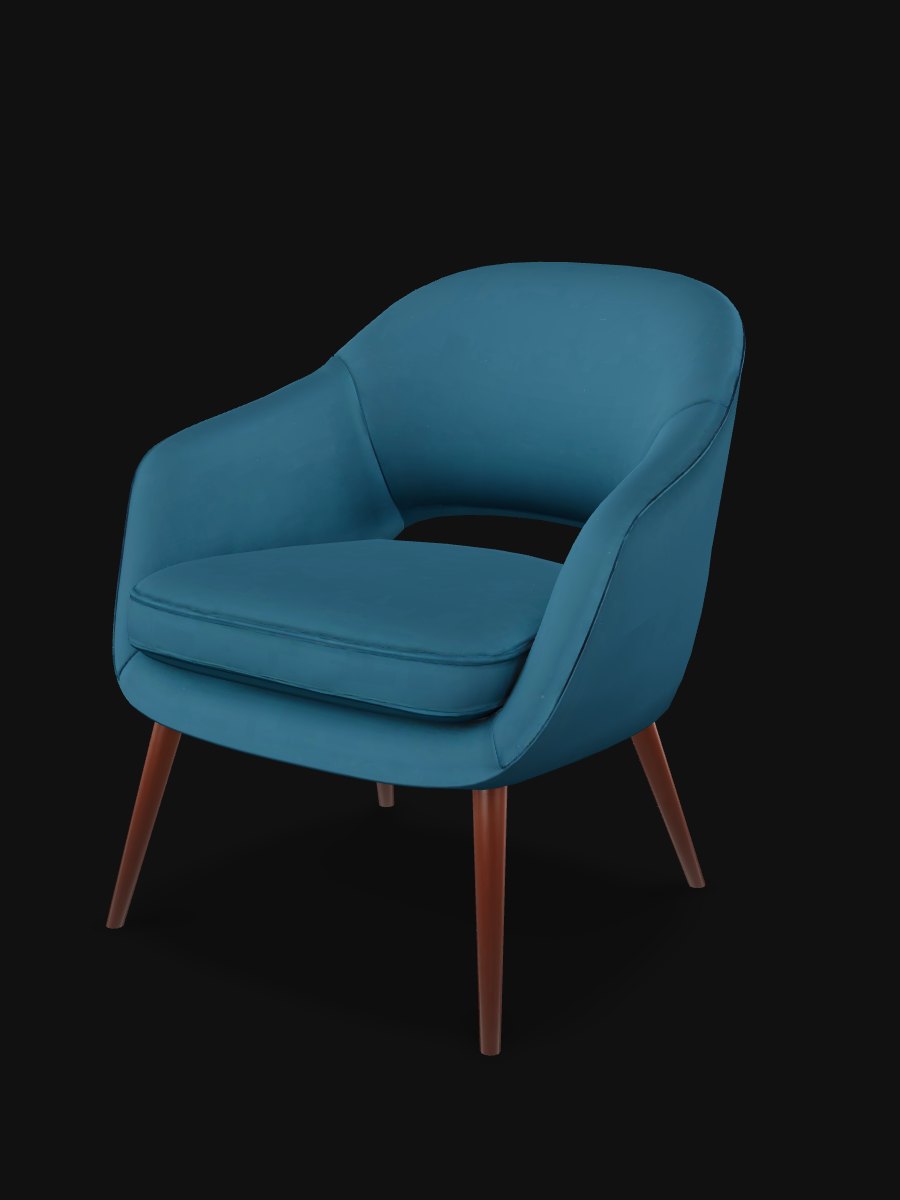
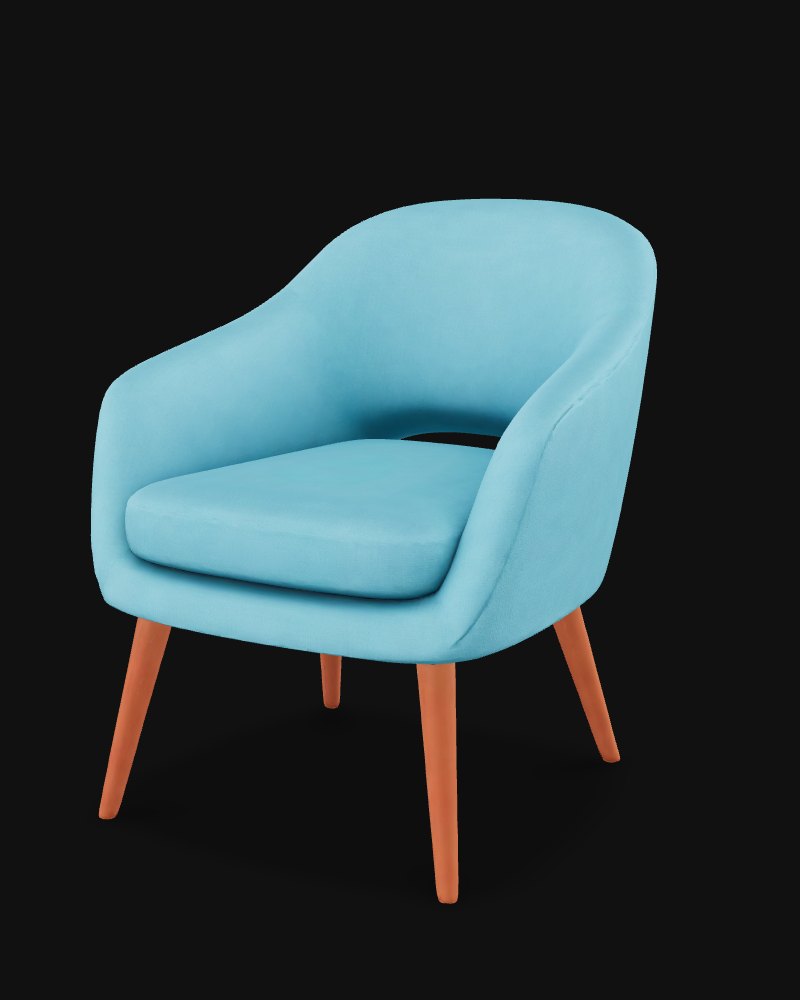
The same chair photo, as a clean, light model for a game engine.
Tripo P2 · 07 / 08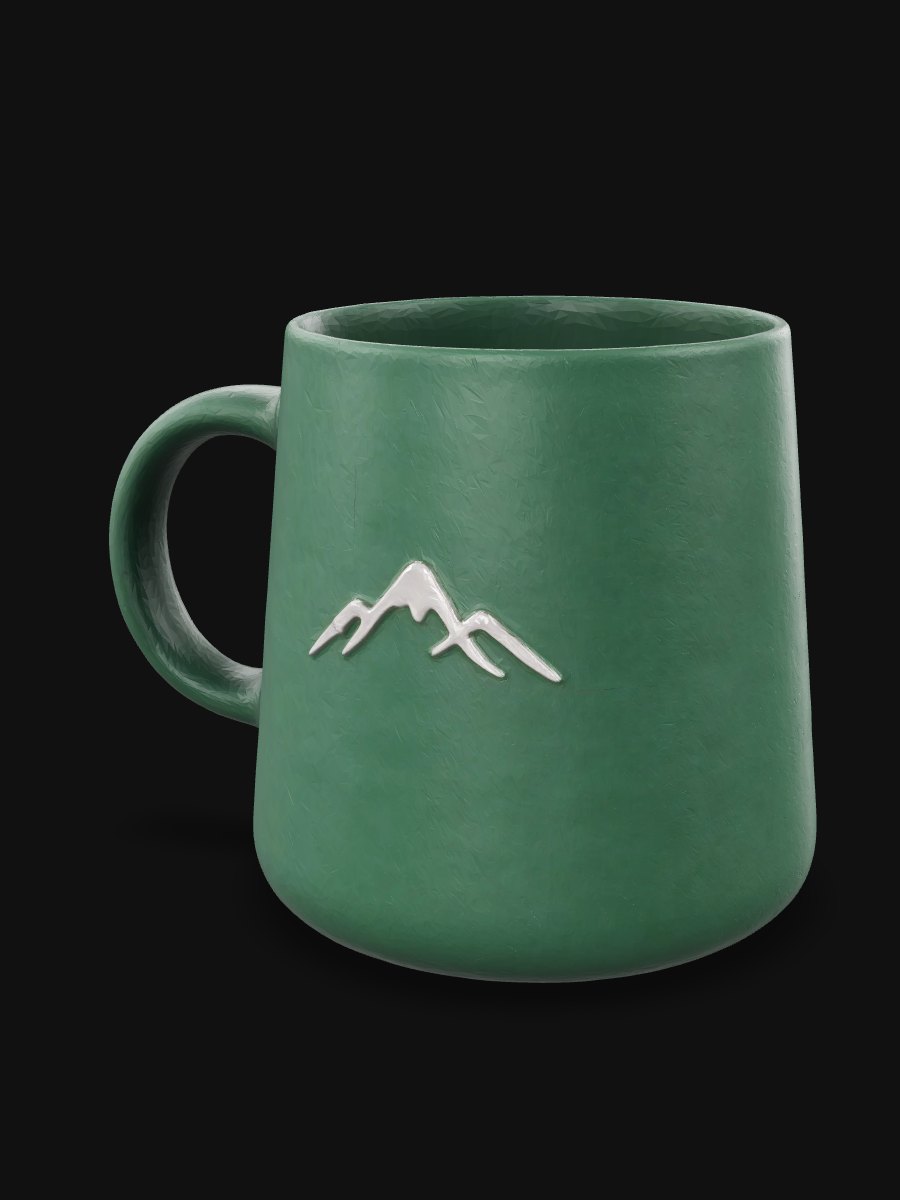
The same mug photo, with crisp edges for a detailed print.
Hi3D 3.0 · 08 / 08Astra 3D puts the leading 3D AI models behind one generator.
Upload an image to 3D, or type a description for text to 3D, pick the model that fits the job, and download the result as GLB or STL for Blender, Unity, Unreal or your slicer.
Add a side or back photo of the same object and the AI 3D model generator builds the parts one photo cannot show — no flat, blurry back.
Image to 3D works from the front alone; a back or side photo fills in what the camera missed.
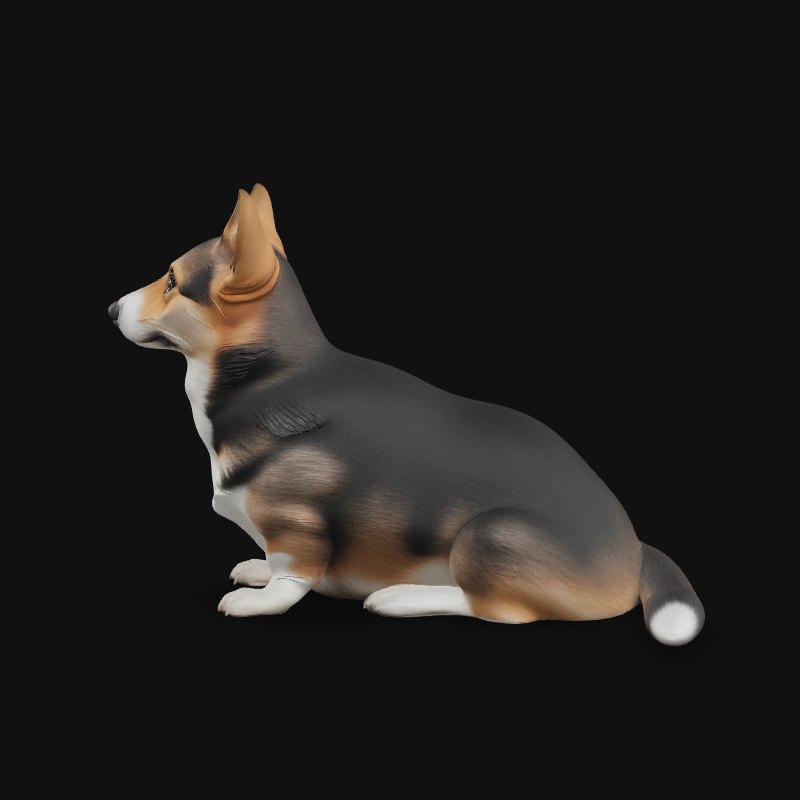
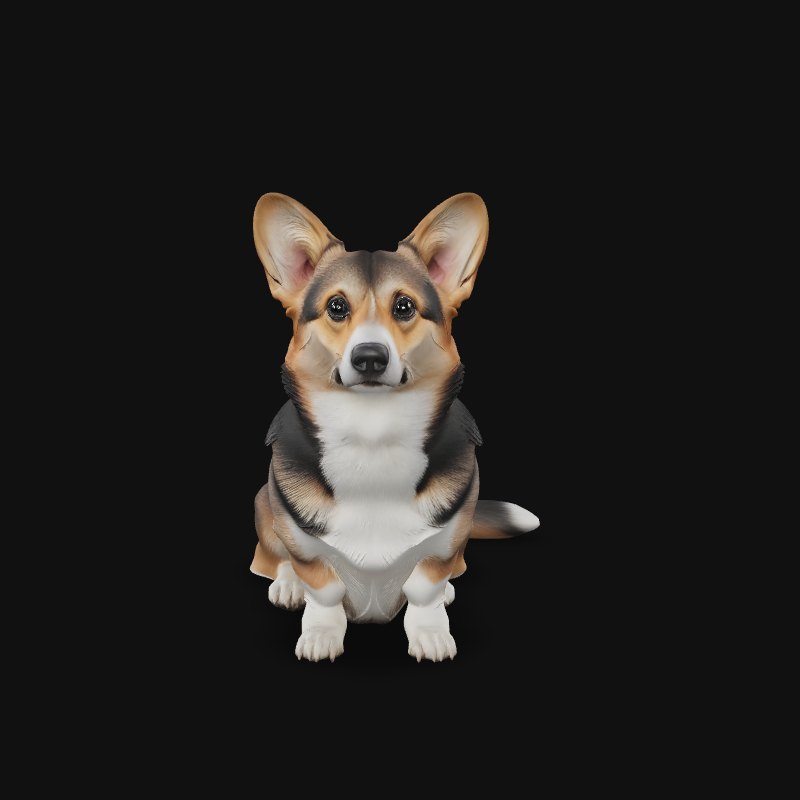
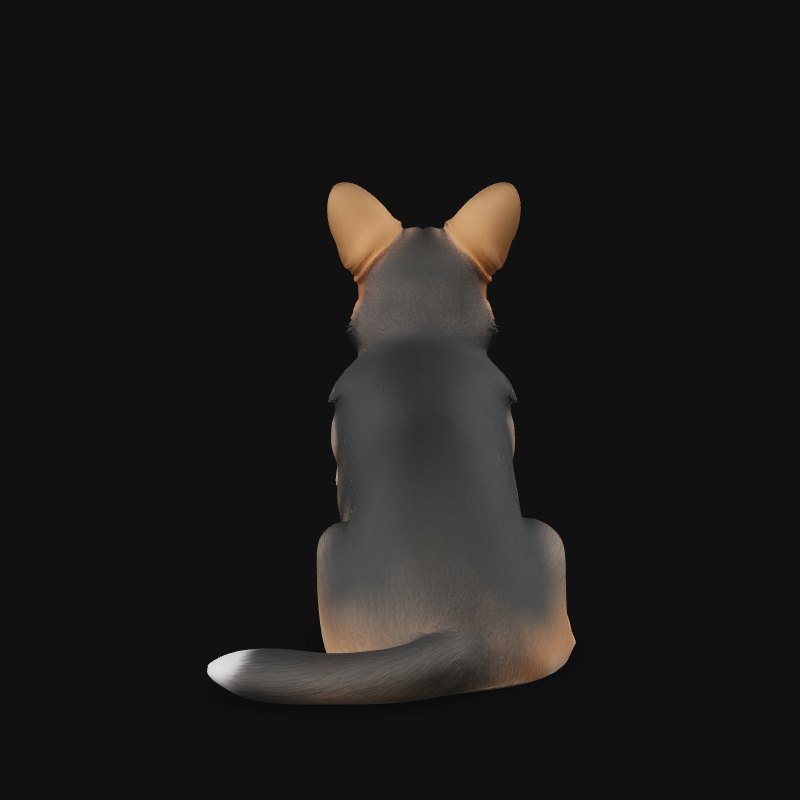
Hunyuan3D, Tripo, Meshy and Hi3D read multiple views.
Turn the model around and the back has real depth and detail.
Astra 3D adds a skeleton and skin weights to your generated character, so it is ready to animate in Unity, Unreal or Blender without an hour of manual weight painting.
No export to another tool and back.
Download a rigged model and drop it into your game or animation project.
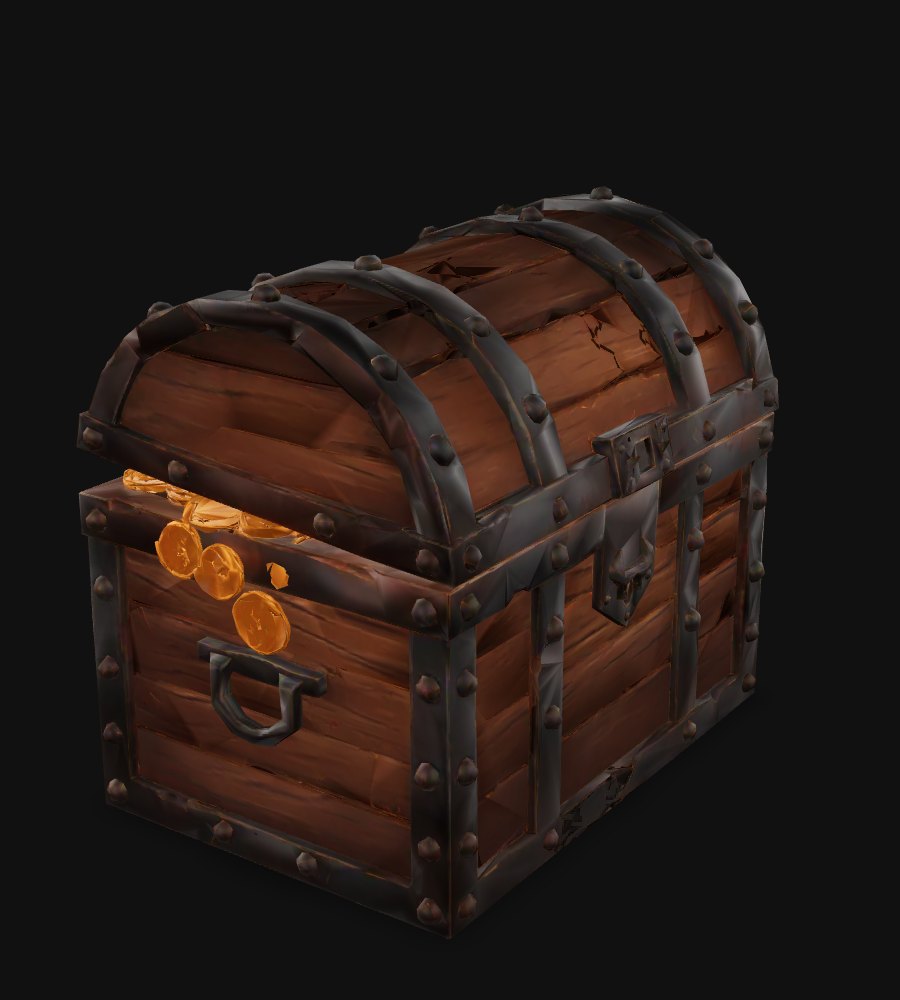
Props and characters go from image to playable faster.
Type what you want and Astra 3D first makes a clean reference image built for 3D — plain background, clear front view — then turns it into a 3D model, all in one place.
"a wooden treasure chest with iron corners" is enough.
Clean light and a clear shape give the model a better start.
Astra 3D prepares the mesh for printing before you slice it — thin walls thickened, holes closed and a flat base added — so the STL goes straight to your printer.
STL
Closed holes so your slicer reads one solid object.
Walls thickened where they would break.
The model stands on the bed without extra supports under it.
Astra 3D gives you eight leading 3D AI models on one credit balance — run the same image on another model without uploading it again and keep the result you like.
A rough draft in about 30 seconds, small file
about 30 s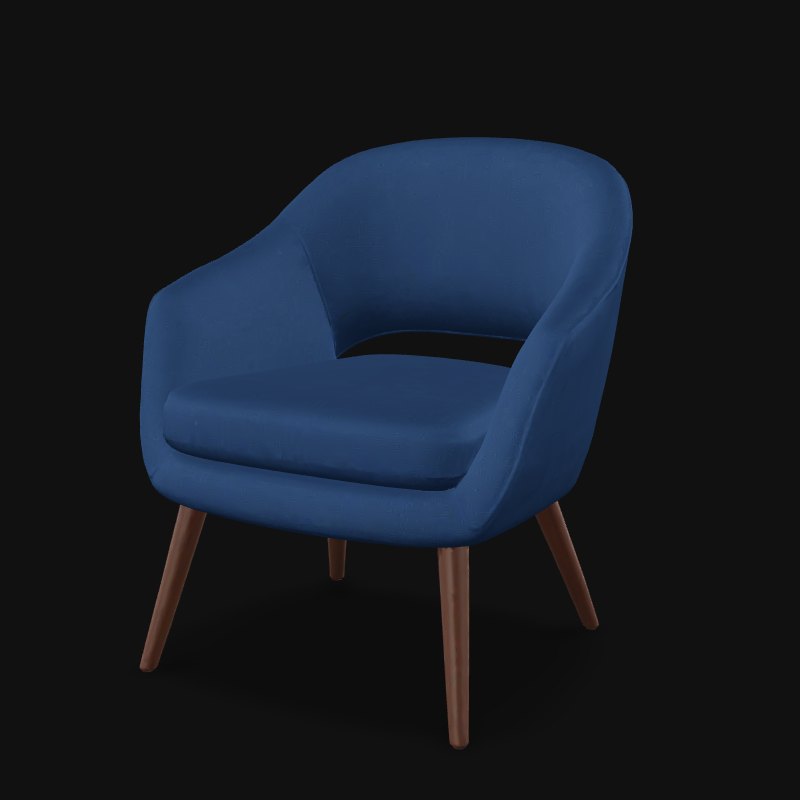
Accurate shapes for props and objects
2–4 min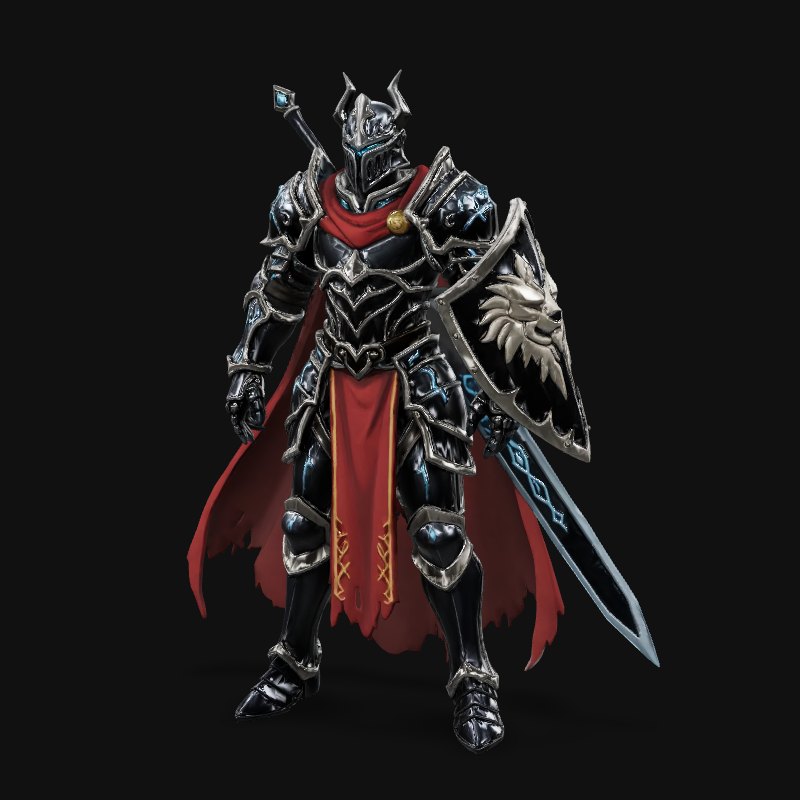
Characters and game props
about 3 min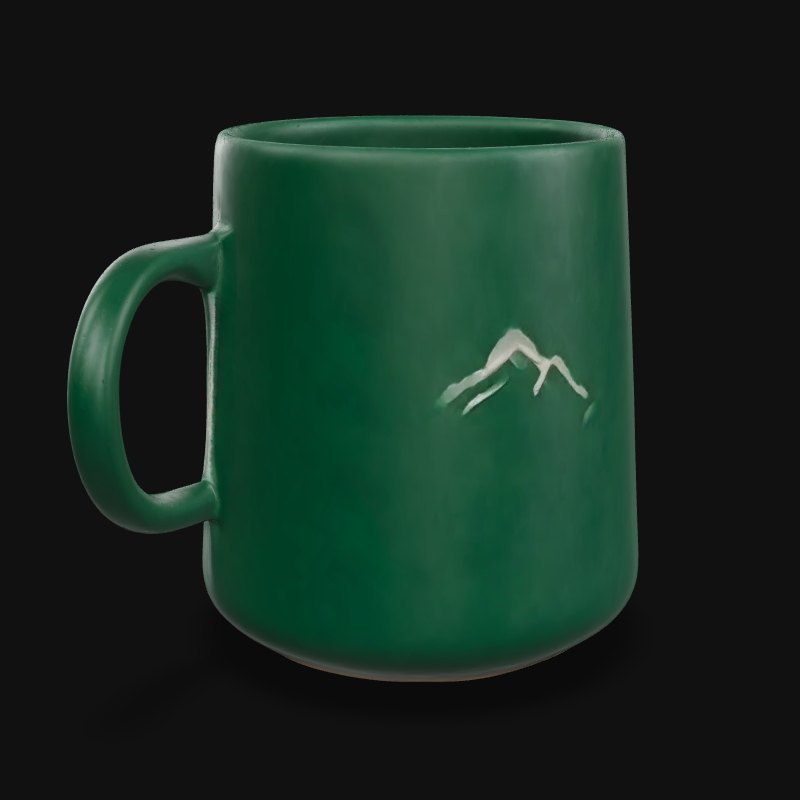
Realistic objects
2–4 min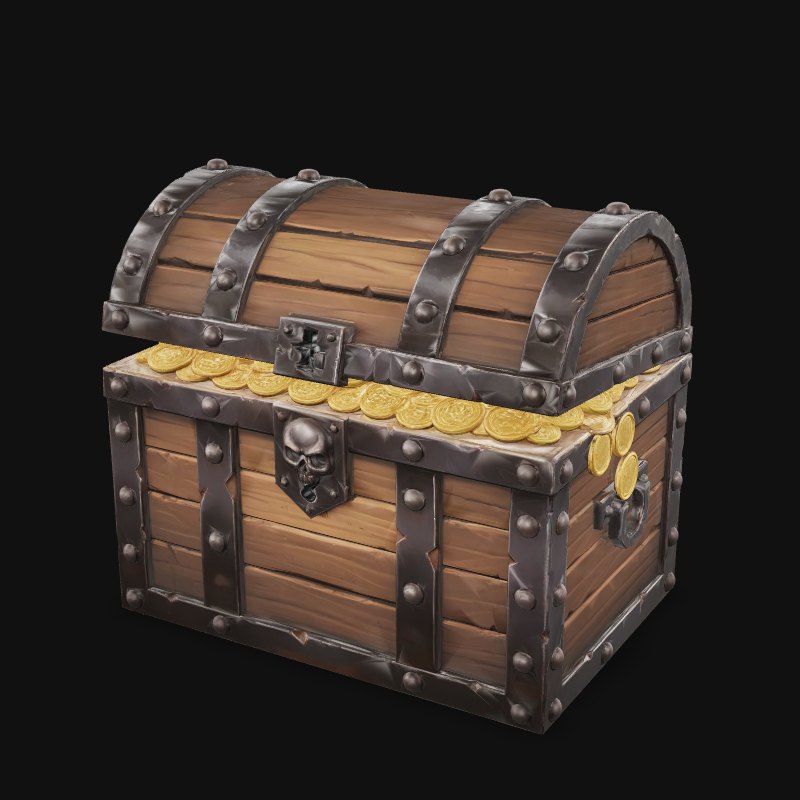
Best detail and color match
3–4 min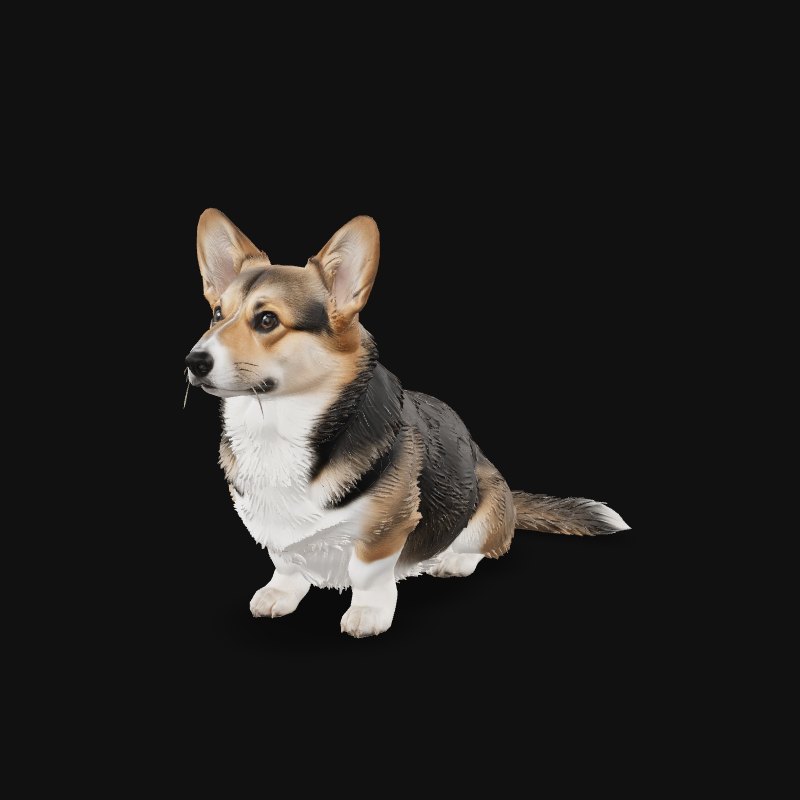
Rich textures, medium file size
2–3 min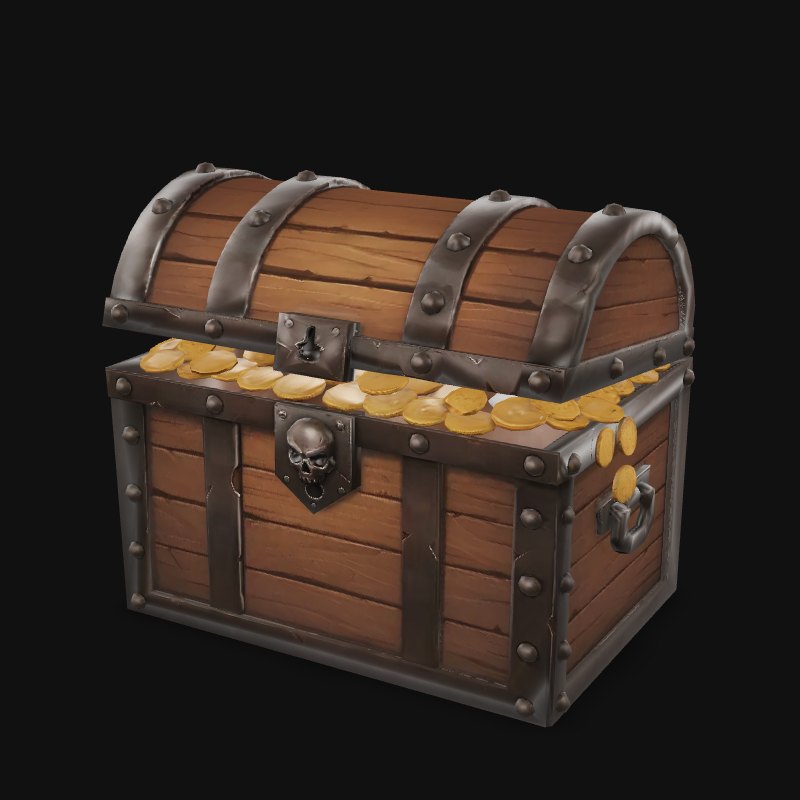
Clean topology for game engines
3–5 min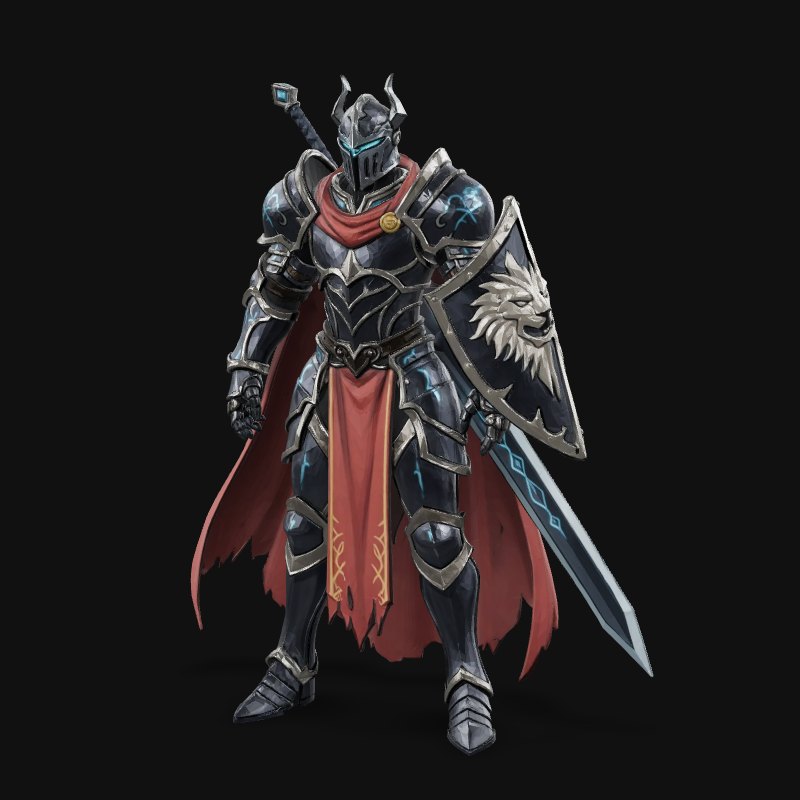
High precision for 3D printing
5–10 minNot happy with a result? Pick another model on the result screen; your image is already there.
Switch between results with one tap and keep the better 3D model.
Use a fast model for a 3D draft in about 30 seconds, or a high-detail model when the result has to be final — the credits are on the button before you click.
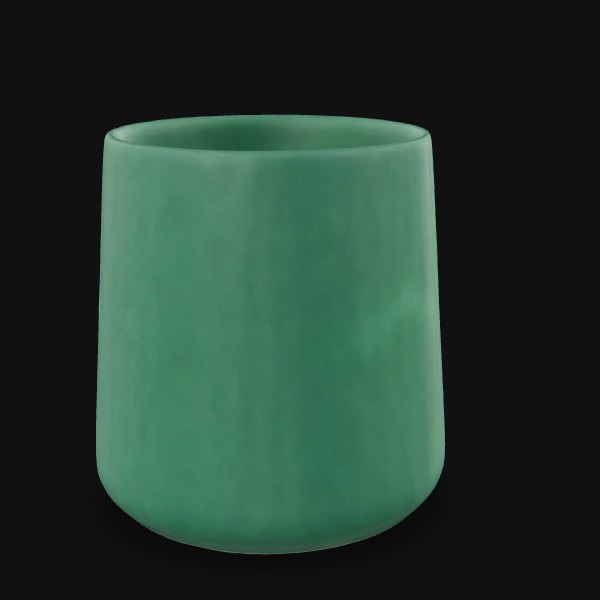
Run image to 3D on a fast model and check the shape before you spend more.
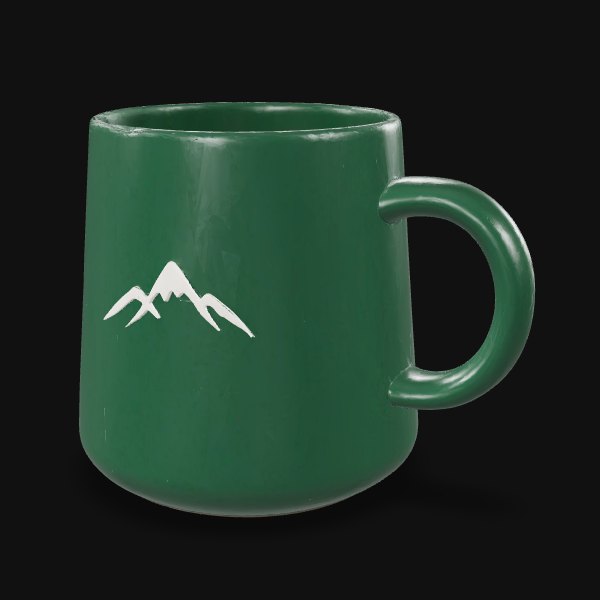
High-detail models keep the fine edges, text and color you need for close-ups, renders and prints.
Every Astra 3D result downloads as GLB for games, web and Blender, or STL for 3D printing — as many times as you need, at no extra credit cost.
Game developers, 3D printing hobbyists, designers and AI video creators use Astra 3D to turn images into 3D models without learning to model.
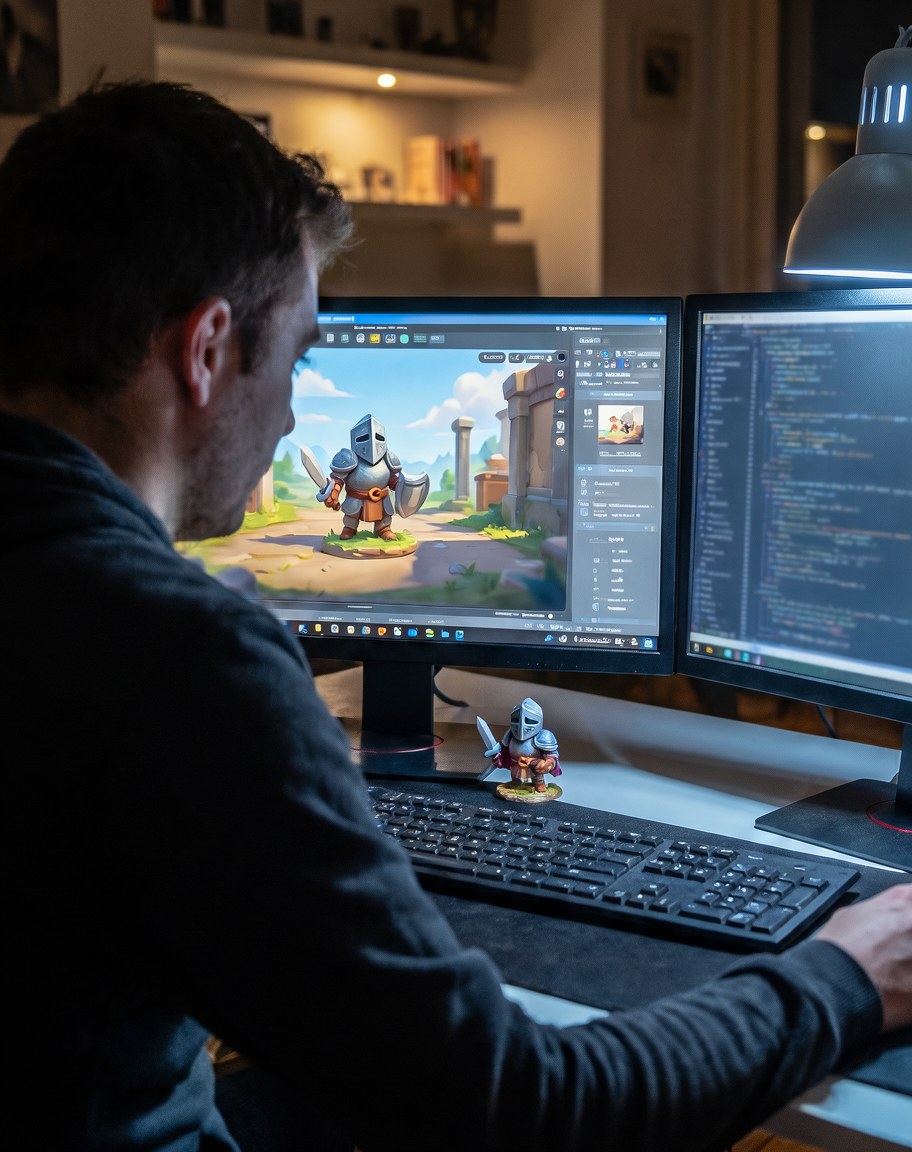
Props and rigged characters for a level; start with Tripo H3.1 or Tripo P2.
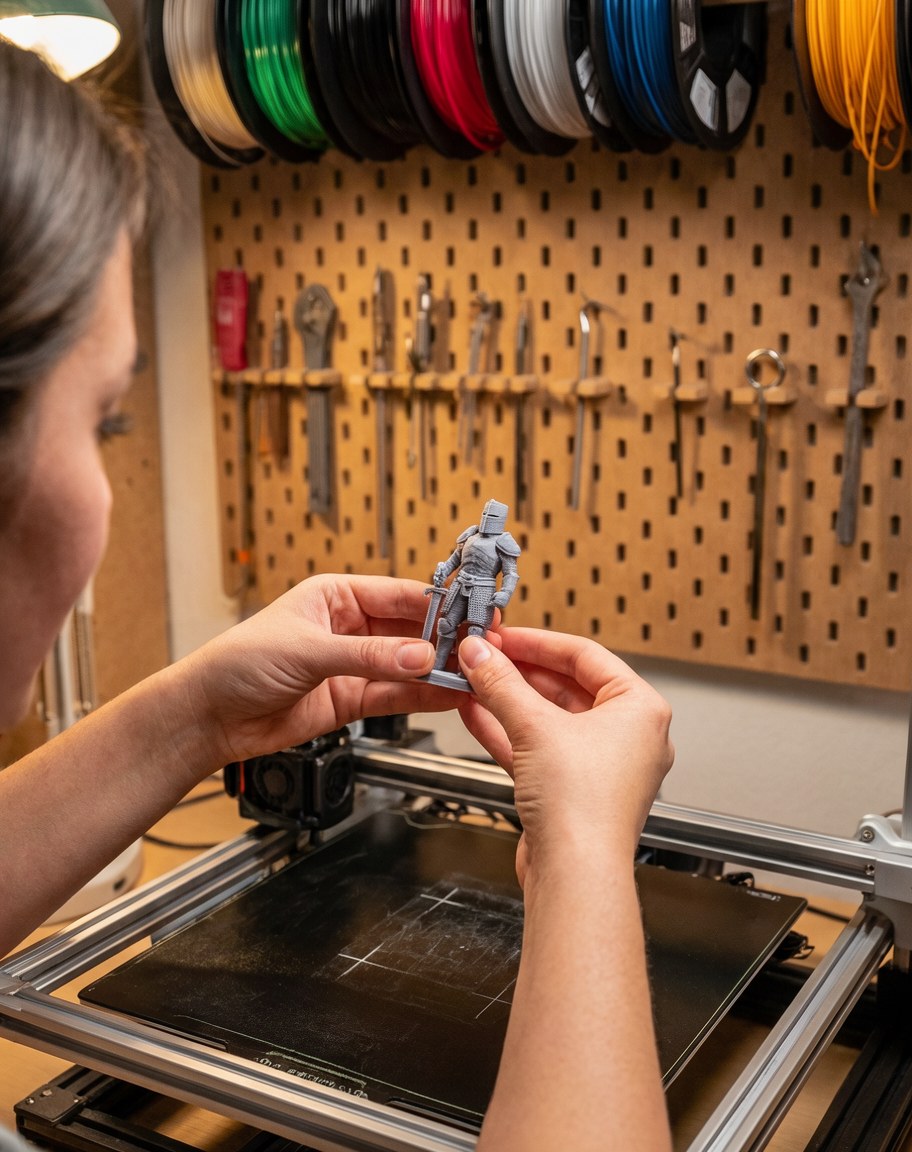
Figurines and parts as print-ready STL; start with Hi3D 3.0 or Hunyuan3D Pro.
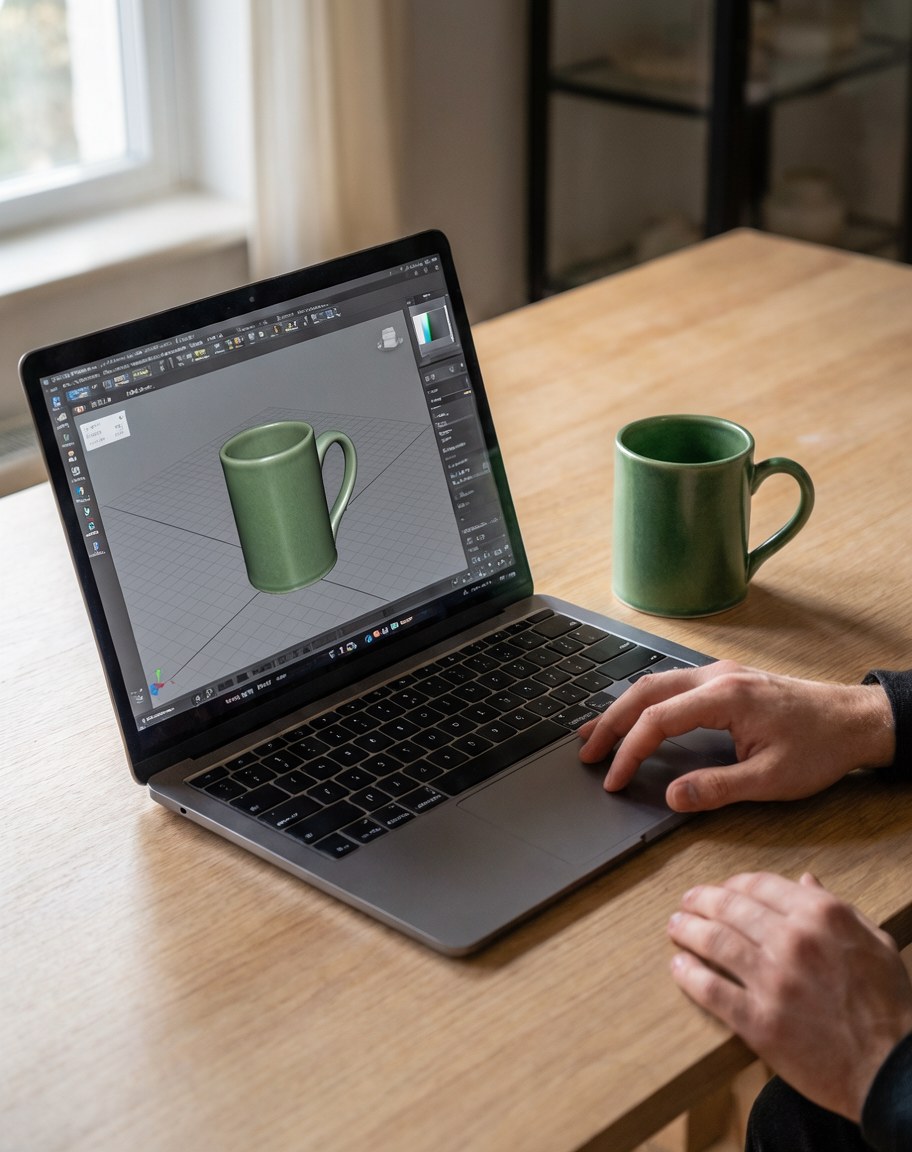
Product mockups you can rotate and render; start with Hunyuan3D Pro.
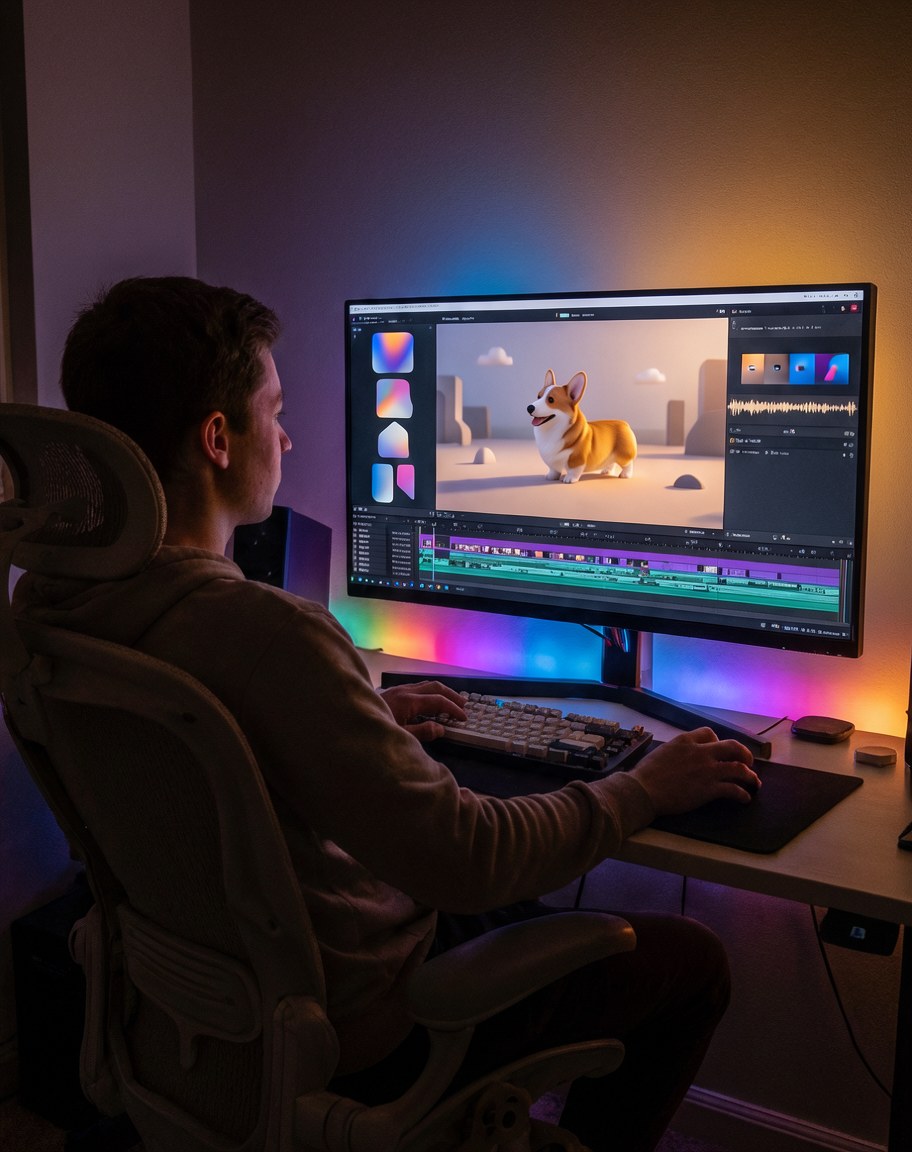
3D props and characters for scenes; start with Fast draft, then refine.
Upload a photo or type a description, choose a 3D model, and download your 3D model — most results are ready in a few minutes.
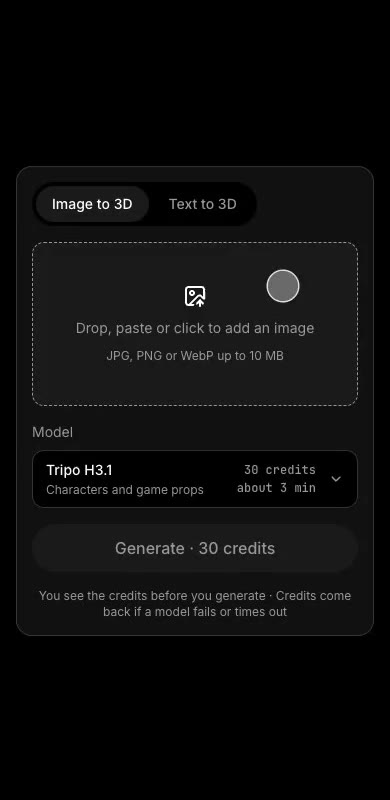
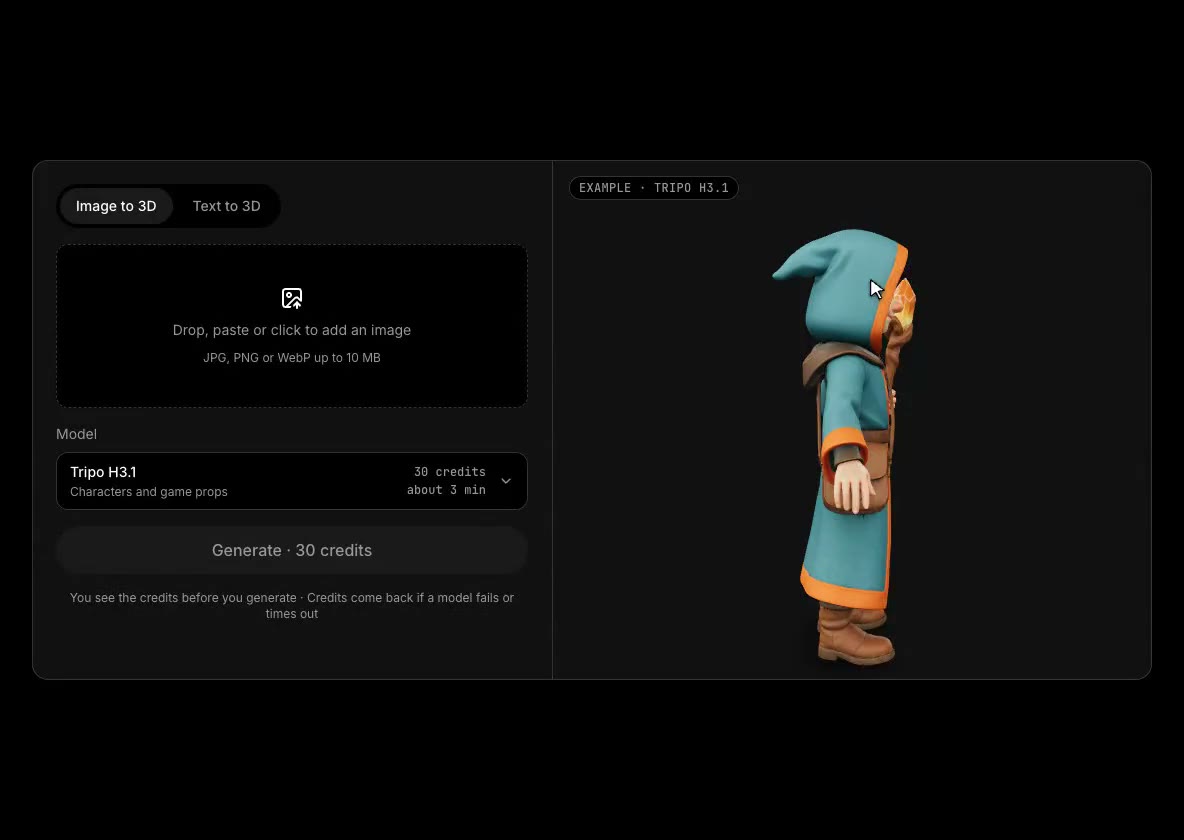
Meshy and Tripo each run their own models; Astra 3D lets you use theirs and five more from one account, so you can pick the best 3D model for each image.
| Feature | Astra 3D | Meshy | Tripo |
|---|---|---|---|
| 3D AI models | 8, from several companies | Meshy only | Tripo only |
| Same image on another company's model, no re-upload | Yes | No | No |
| Cheapest monthly plan | $9.9 | $20 | $20 |
| Credits in that plan | 450 | 1,000 | 3,000 |
| Credit packs that never expire | Yes | Yes | Only on top of a plan |
Looking for a Meshy alternative or a Tripo alternative? Use both — and six more — from one account.
Astra 3D starts at $9.9 a month for 450 credits, or $9.9 for a 300-credit pack that never expires — and every model shows its credit cost before you generate.
$9.9/ month
$29/ month
$79/ month
New accounts get 30 starter credits — enough for one Tripo H3.1 model.
See full pricingAn AI 3D model generator turns an image or a text description into a textured 3D model. Astra 3D runs eight leading 3D AI models, so you can pick the one that suits your object and download it as GLB or STL.
Yes. Upload a JPG, PNG or WebP photo, pick a model and generate. Add a side or back photo of the same object and the model builds the hidden side instead of guessing it.
It depends on the job: Hunyuan3D Pro keeps the most detail and color, Tripo H3.1 and Tripo P2 suit characters and game assets, Hi3D 3.0 is built for 3D printing, and Fast draft gives you a shape in about 30 seconds. On Astra 3D you can run the same image on several and keep the best.
Astra 3D includes Meshy 7.1, Tripo H3.1 and Tripo P2 alongside Rodin, Hunyuan3D, TRELLIS.2 and Hi3D, so you can use them from one account instead of subscribing to each.
Yes. Download STL and Astra 3D prepares the mesh for printing first — holes closed, thin walls thickened and a flat base added — so it goes straight into your slicer.
Yes. Auto-rig adds a skeleton and skin weights in one click, ready for Unity, Unreal or Blender.
GLB with textures for games, web and Blender, and STL for 3D printing. Downloads do not use credits.
Each model has a fixed credit cost shown on the Generate button. Monthly plan credits reset on your billing date; credit pack credits never expire. If a model fails or times out, the credits go back to your balance.
Yes. Models you generate on Astra 3D can be used in commercial projects.
Still have questions? Email support@astra3d.ai
Upload an image or type an idea, pick a model, and get a 3D model you can rotate, rig, print and download.